What Are Access Copies in Archives?
When you visit an archive or library to conduct research, you will often want to make copies of documents you find. In archival terminology, those copies are called access copies.
An access copy is simply a reproduction of a document that allows you to continue your research after leaving the archive. It is meant to help you review material later, quote from it in your notes, or keep track of where you found information. An access copy does not automatically give you permission to publish or share the document. In most archives, these copies are intended for personal research use only.
If you want to publish the document, reproduce it in a book or article, or distribute it publicly, you usually need to request permission from the archive that holds the original material.
Taking Photographs for Research
In many archives today, the easiest way to create access copies is by taking photographs with your phone. Photographing documents allows you to capture large amounts of information quickly and continue reviewing the material later without repeatedly requesting the same items.
This approach is especially useful when you are working through large quantities of material. For example, I have used this technique when researching decades’ worth of phone books. Phone books are mass-produced publications and thousands of copies were printed for each issue, so photographing pages usually does not raise permission concerns. When you are looking through thirty years of phone books to track down addresses or business listings, taking photographs can also reduce the workload for the archivist or librarian who would otherwise have to photocopy pages for you.
Photographing materials can therefore make research faster for both the researcher and the archive staff.
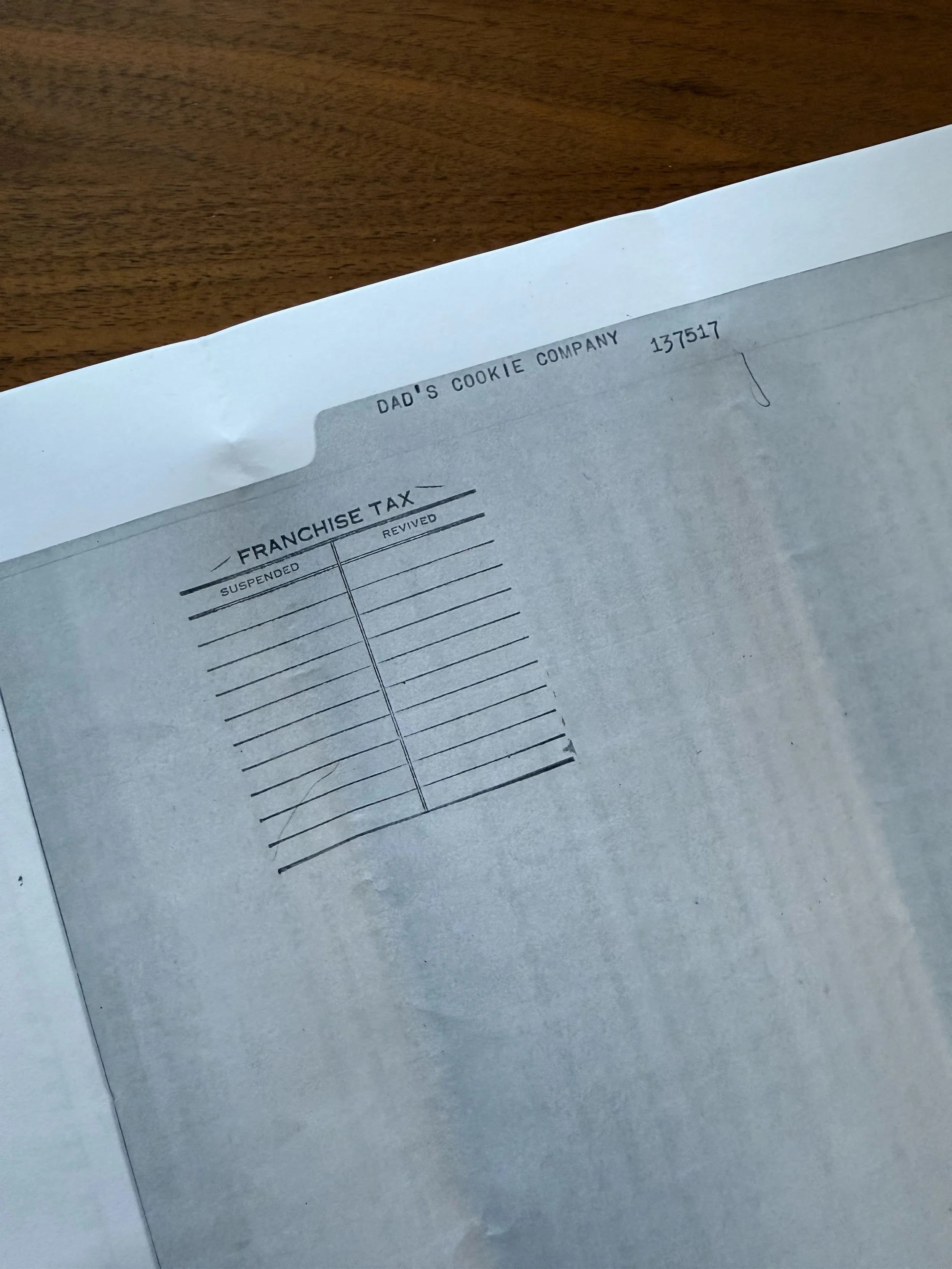
Sometimes the researcher is so thorough that they also make a copy of the folder!
Mobile Scanning Apps
While you can simply take photos with your phone’s camera, scanning apps often produce much cleaner access copies. These apps automatically crop the page, adjust lighting, and create a PDF that is easier to read later.
One app I often recommend is Adobe Scan. The app automatically assumes that you are scanning multiple pages and quickly builds a PDF as you continue photographing documents. The resolution is high enough that I have even uploaded notarized documents created this way when a traditional scanner was not available. The app also automatically detects the corners of a page, even when the document is photographed at an angle or taken from the middle of a bound volume.
Adobe Scan also lets you easily rename files, save them directly to your phone, or send them by email once you leave the archive.
Other scanning apps provide similar functionality. SwiftScan offers robust file organization features and lets you synchronize documents with cloud storage platforms. It is not free, but for researchers who collect large numbers of access copies, it can make organizing files much easier.
Many of these apps include useful features such as automatic edge detection, optical character recognition (OCR) that makes text searchable, and multi-page PDF support.
Always Check the Archive’s Policies
Before photographing materials in an archive, it is always important to review the institution’s access and use policies. Some archives allow researchers to photograph materials freely, while others restrict photography in order to protect fragile documents. These policies may be listed on the archive’s website or included in the research registration form you fill out when you arrive.
If you are unsure whether photography is allowed, it is always best to ask the archivist or librarian before you begin.
Access copies are meant to support research while protecting original materials. By understanding how they work and following the archive’s policies, researchers can capture the information they need while ensuring that archival collections remain preserved for future use.